Your Cart ()
cload

GUARANTEED SAFE & SECURE CHECKOUT

FREE Shipping For Purchases Over $250 within Australia  

Laserman thermal imaging information

Thermal imaging cameras

A thermal camera shows temperature as an image. Water in a wall, a gap in the ceiling insulation, a loose lug in a switchboard and a bearing about to fail all show up as areas warmer or cooler than their surroundings, without opening anything up. This page covers how thermal cameras work, the specifications that affect what you can see, and every HIKMICRO and Fluke model we carry.

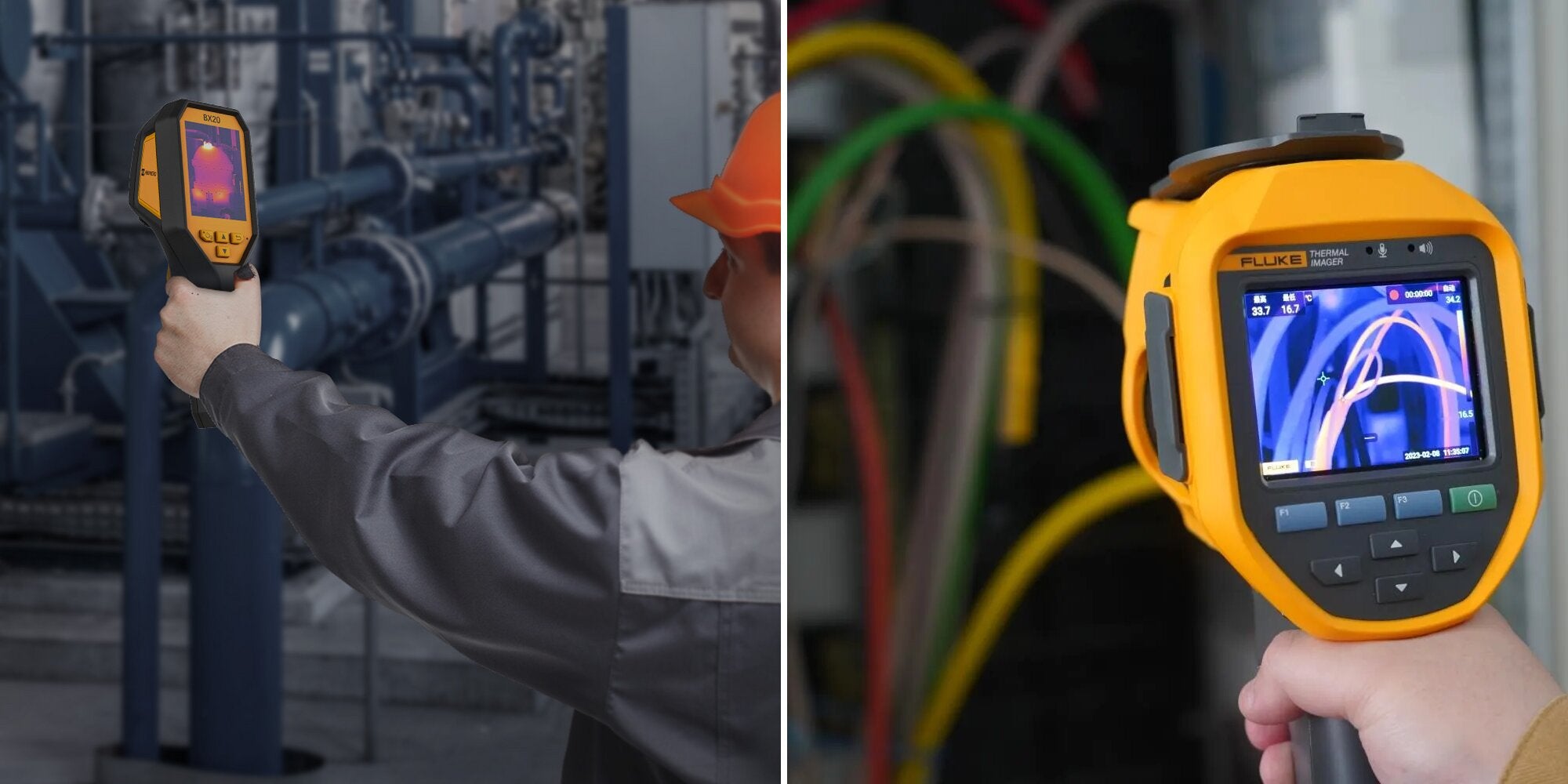
Left: a worker scanning industrial pipework with a HIKMICRO thermal camera. Right: a Fluke thermal camera aimed at cabling, its screen showing a thermal image.
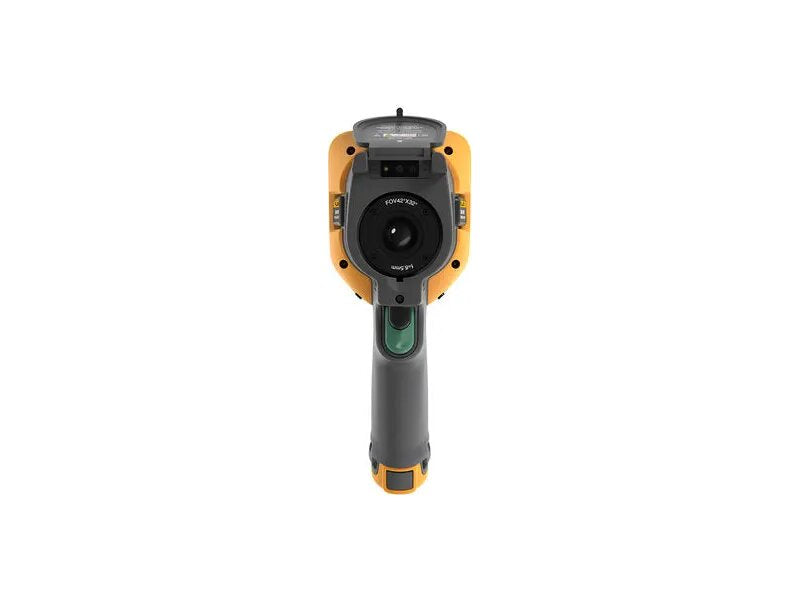
A HIKMICRO camera on industrial pipework (left) and a Fluke Ti U series camera on cabling (right). Images: HIKMICRO and Fluke.

9 applications 12 quick questions 16 cameras compared 15 in-depth guides

The basics

How a thermal camera works

Everything warmer than absolute zero gives off infrared radiation, and the warmer it is, the more it gives off. A thermal camera measures that radiation and turns it into a temperature for every point in the picture.

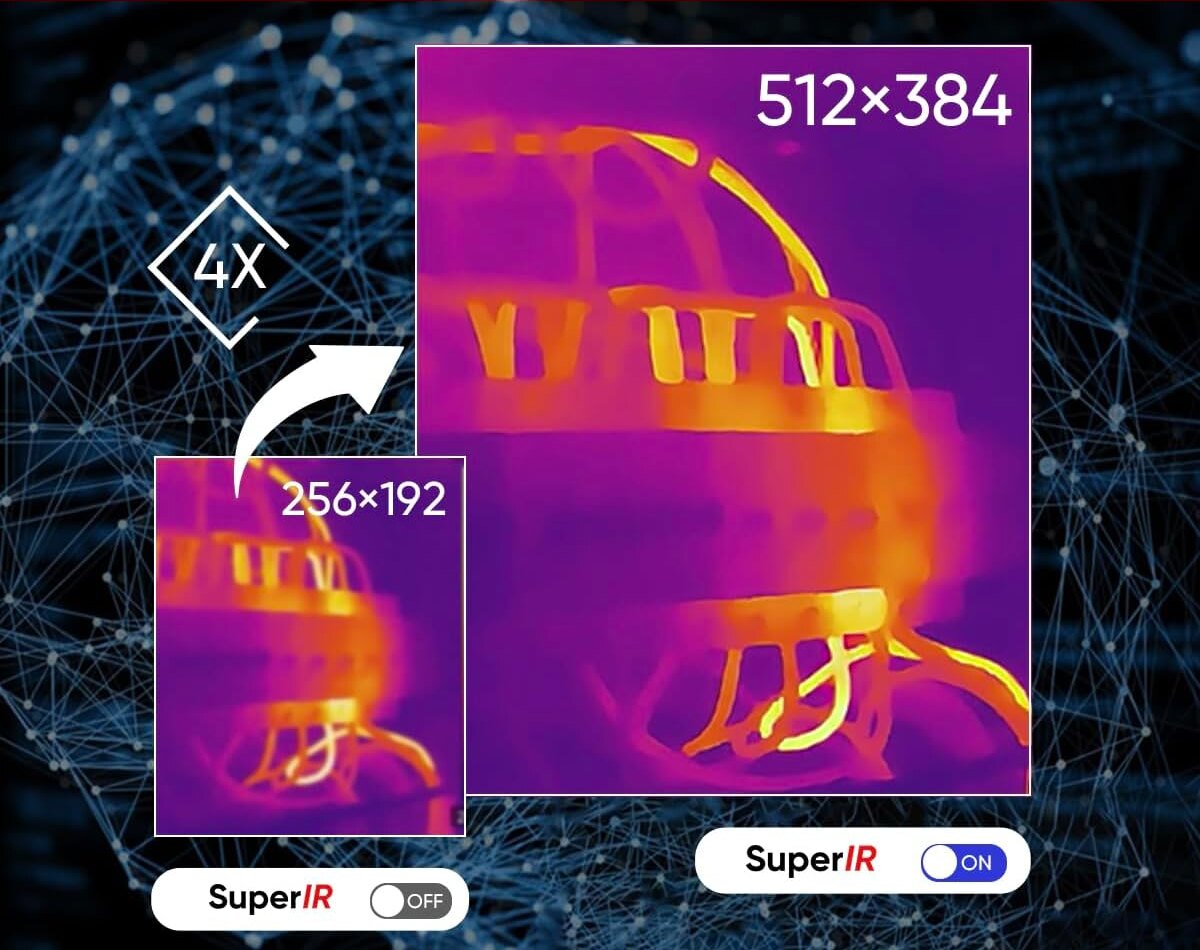
The camera focuses long-wave infrared, roughly 7.5–14 µm, through a germanium lens. Behind the lens is a grid of tiny heat-sensitive sensors called microbolometers. Each one warms slightly when infrared falls on it, and the camera converts that into a temperature. Each sensor is one pixel. A 256 × 192 camera takes 49,152 separate temperature readings in every image, and a 640 × 480 camera takes 307,200.

The camera shows these readings as colours, using a palette such as Ironbow or White Hot. Changing the palette changes how the image looks, but the temperatures stay the same. Radiometric cameras store every pixel's temperature in the image file, so you can re-measure an image later on a computer. Most thermal cameras also have an ordinary visible camera. Blending the two images shows which breaker, joist or bearing the hot spot belongs to.

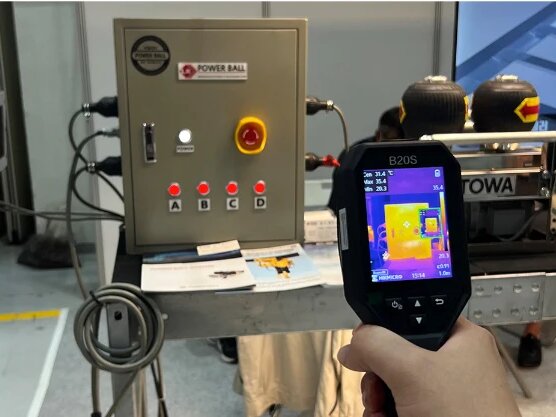
A thermal camera held up in front of an electrical control box, its screen showing the same box as a thermal image
The same scene to the eye and to a thermal camera.
How a thermal camera turns heat into a picture Infrared energy from a warm surface passes through a germanium lens onto a grid of microbolometer pixels. Each pixel's temperature reading is coloured using a palette and shown on the screen. 1. Warm surface 2. Lens 3. Detector 4. Thermal image Gives off infrared (7.5–14 µm) Germanium blocks visible light One microbolometer = one pixel Temperature per pixel, shown in a colour palette
Every pixel on the detector is its own temperature sensor. The palette only decides how the readings are coloured.

Applications

What thermal cameras are used for

Turn a card over to see how each type of inspection works and which specifications matter most.

Thermal image of a ceiling with a cold patch spreading from a water leak

Building inspection and leak detection

Find water leaks, damp, missing insulation and draughts without opening walls or ceilings.

Building inspection and leak detection

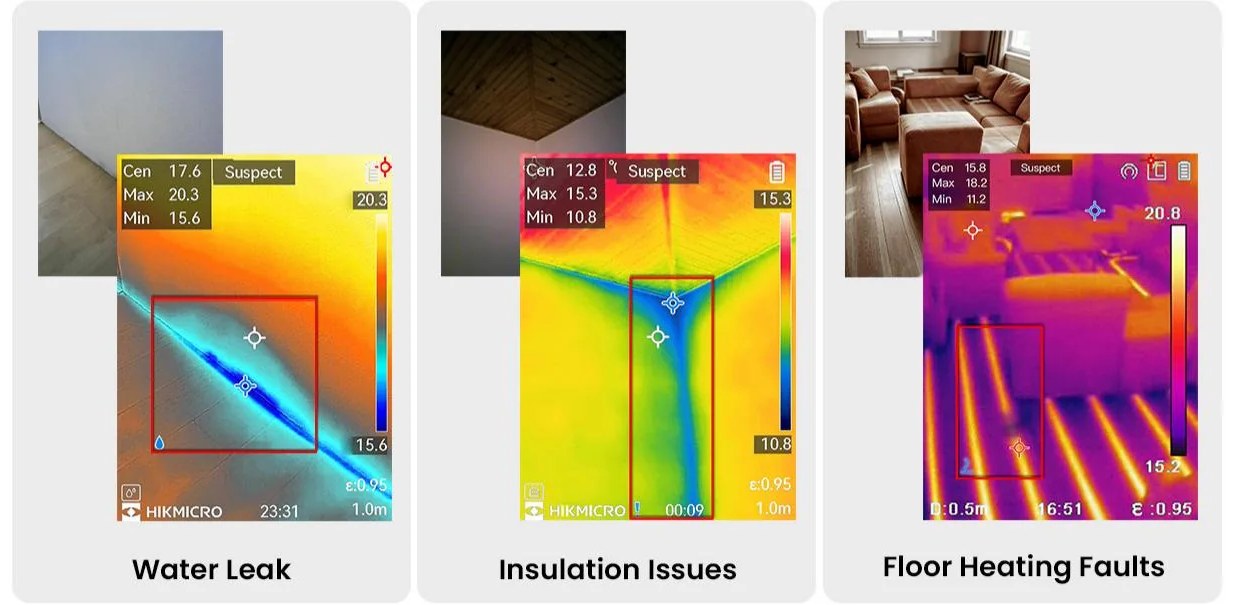
Water evaporating from a wet wall or ceiling cools the surface. A leak shows as a cool patch spreading from its source, often metres from where the stain appears. Missing or slumped insulation shows as a warm or cold block with sharp edges, depending on the season. Draughts show as streaks around windows and doors. Underfloor heating pipes show their full layout, so a fault can be found before any tiles are lifted.

Specifications that matter

  • Sensitivity (NETD). Damp is often only a degree or two different from the dry surface around it. A camera under 40 mK shows it clearly.
  • Wide field of view. A lens of around 50° takes in a whole wall or ceiling from a few metres back.
  • Temperature difference. Inspections work best when heating, cooling or the weather creates a temperature difference.
Electrical inspection

Electrical inspection

Loose connections, overloaded circuits and failing breakers heat up well before they fail.

Electrical inspection

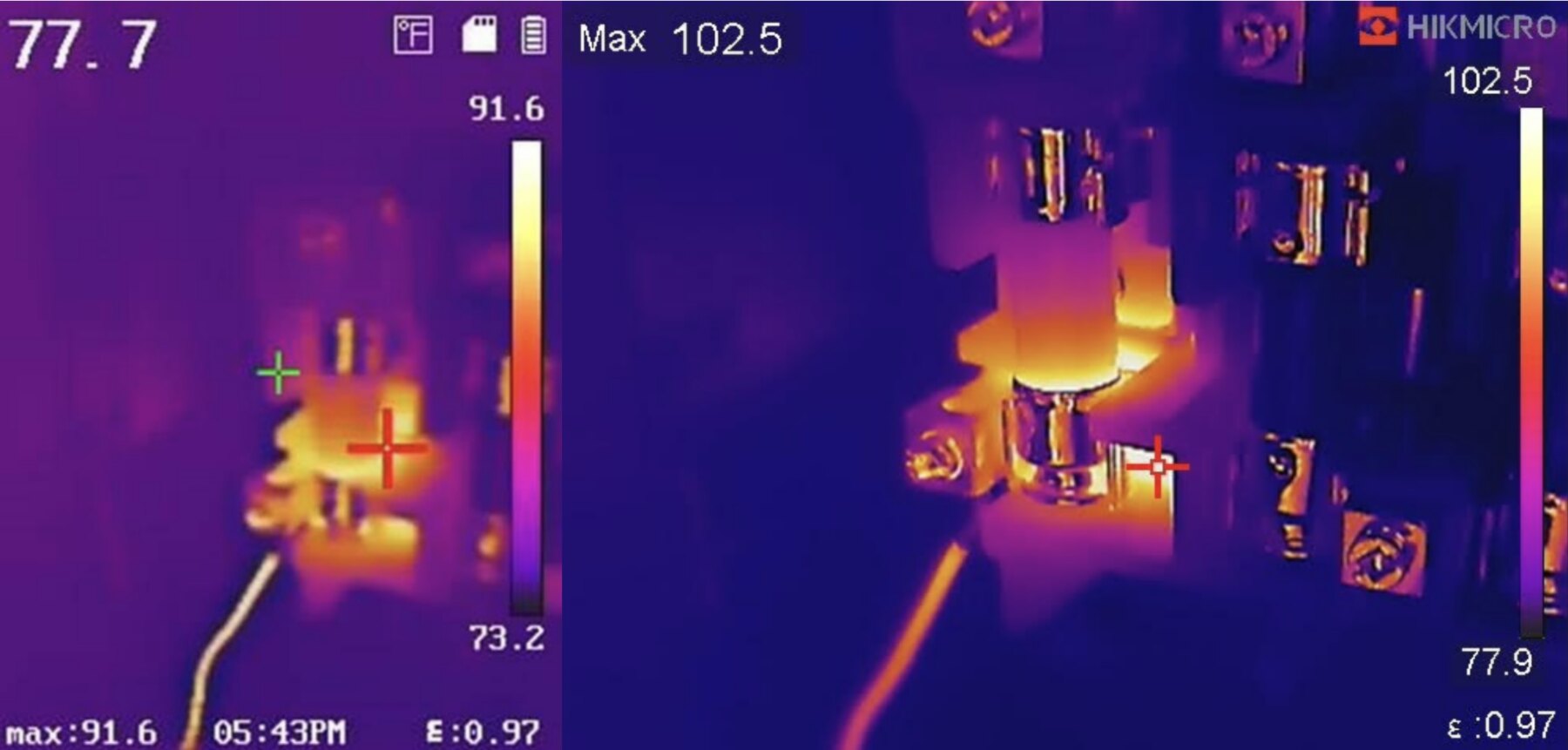
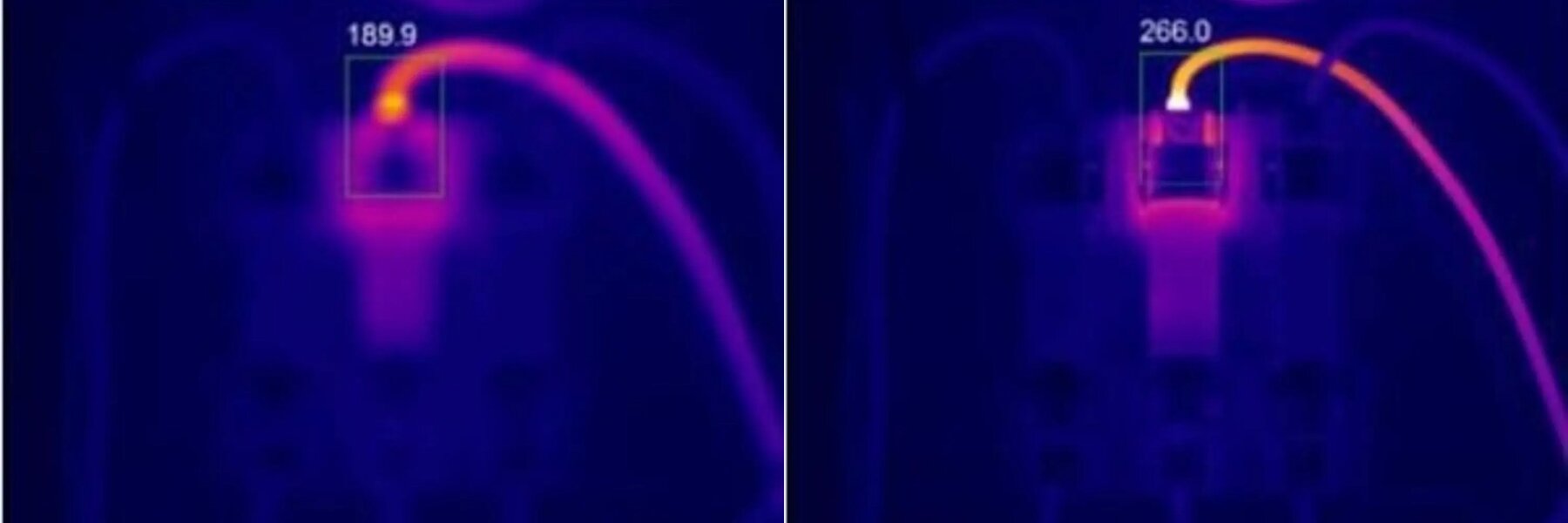
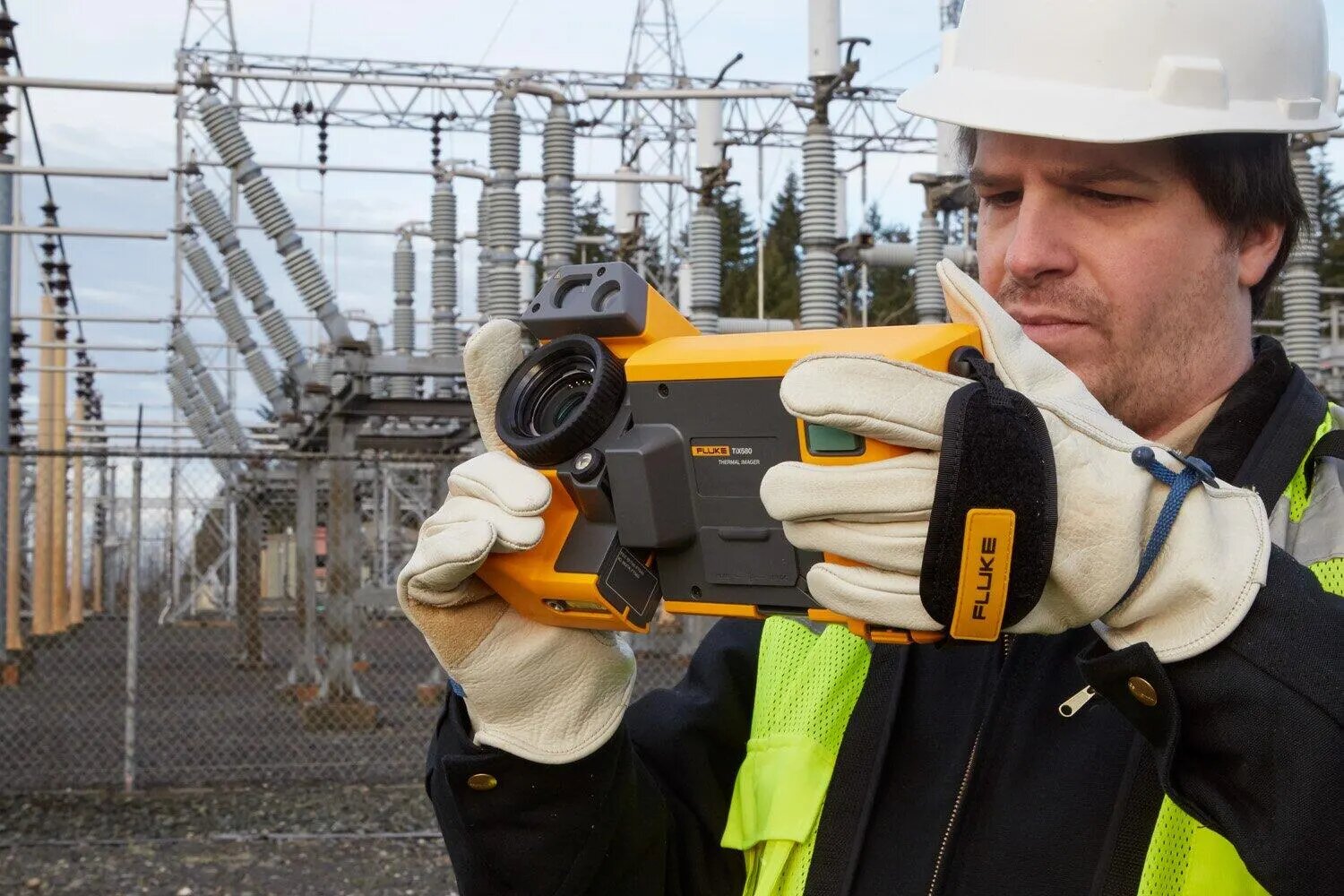
Resistance creates heat, so a loose, corroded or undersized connection runs hotter than the connections around it, long before anything trips or burns. Scanning a switchboard under load shows every terminal at once, from a safe distance and without contact. Compare the same terminal on each of the three phases to find the one that's different. An unusually cold component may have stopped carrying current.

Specifications that matter

  • Spatial resolution (IFOV). Terminals are small, so the size of one pixel at your working distance decides what you can measure.
  • Measurement tools. Spots, boxes and alarms speed up routine surveys.
  • Emissivity correction. Bare copper and bus bars reflect infrared, so take readings on the insulation or a lug body.
Thermal image of an insulated air duct leaking warm air at a joint

HVAC and refrigeration

Trace duct leaks, blocked coils, airflow faults and failed pipe insulation by temperature.

HVAC and refrigeration

Conditioned air escaping from a duct joint leaves a warm or cold mark on the ceiling around it. A coil with blocked sections shows uneven bands instead of a smooth gradient. A refrigerant restriction shows as a sudden change in temperature at the point where it starts. You can also read supply and return air temperatures from the grilles.

Specifications that matter

  • Wide field of view. Takes in ceiling spaces and plant rooms quickly.
  • Frame rate. At 25 Hz or faster, the image stays smooth as you pan along a duct.
  • Sensitivity (NETD). Shows gradual temperature changes across coils and walls.
Thermal image of an electric motor running hot

Motors and mechanical plant

Motors, bearings, gearboxes, belts and couplings run hotter as they start to fail.

Motors and mechanical plant

Friction and misalignment create heat. A dry bearing, slipping belt or misaligned coupling runs hotter than an identical part nearby, or hotter than its own past readings. Photograph the same machine from the same spot each month to build a baseline. A rise of a few degrees will then stand out well before anything fails. With radiometric images, you can re-measure last month's image and compare the two side by side.

Specifications that matter

  • Radiometric images. Every pixel's temperature is saved for comparing trends later.
  • Temperature range. Most plant runs well under 400 °C. Process equipment can run hotter.
  • Frame rate. A higher frame rate gives a smoother live image of moving belts, shafts and conveyors.
Thermal image of a solar panel with one hot area

Solar panel inspection

Hot cells, cracked cells, failed bypass diodes and dead strings show up while the system is producing power.

Solar panel inspection

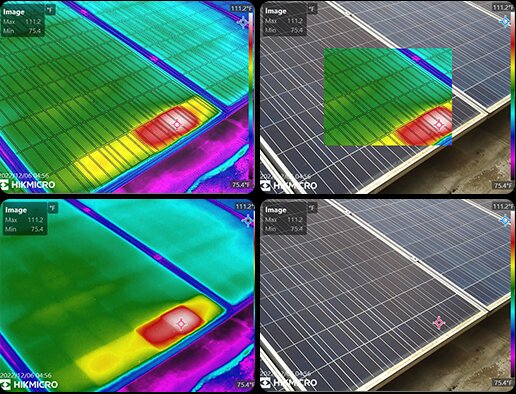
A damaged or shaded cell can't pass current properly. It heats up and stands out against the rest of the panel. A failed bypass diode shows as a hot stripe one-third of the panel wide. A disconnected string shows as a whole row running cooler than the rows beside it. Connections in inverters and batteries can be checked in the same way as other electrical work.

Specifications that matter

  • Resolution and lens. Arrays are often scanned from a distance or from a height, so higher resolution or a telephoto lens helps.
  • Viewing angle. Panel glass reflects the sky, so the angle you take the image from matters.
  • Under load. Inspect in good sunlight while the system is producing power.
A Fluke iSee TC01 phone thermal camera held over a car's engine bay

Vehicle diagnostics

Dragging brakes, wheel bearings, cooling systems, exhausts, heated seats and parasitic battery drain.

Vehicle diagnostics

After a drive, a dragging brake or failing wheel bearing runs hotter than the same part on the other side of the vehicle. A blocked radiator shows cold bands across the core. A misfiring cylinder shows as a cooler exhaust runner. A dead heated-seat or rear-demister element shows as a missing stripe. A module causing parasitic battery drain often stays warm with the ignition off.

Specifications that matter

  • Side-by-side comparison. Comparing the left and right sides of the vehicle does most of the diagnosis.
  • Temperature range. Exhausts and brakes get hot, but most cameras cover them.
  • Resolution. 256 × 192 is enough for most vehicle work.
Thermal image of a circuit board with one component running hot

Circuit boards and electronics

Find hot components, shorts and solder faults on circuit boards in seconds.

Circuit boards and electronics

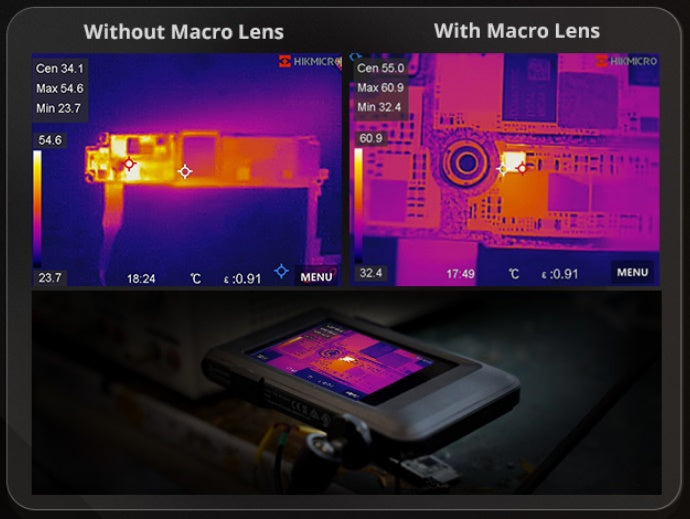
A shorted capacitor, failing regulator or poor solder joint draws more current than it should and heats up. It shows as a hot spot on an otherwise even board. If you power up a board and watch it warm, the fault shows as soon as it starts. Because components are only millimetres across, the camera needs to get very close. With a macro lens, some cameras resolve detail down to tens or hundreds of microns.

Specifications that matter

  • Close focus or macro lens. Manual focus down to 10 cm, or a dedicated macro lens.
  • Spatial resolution. The pixel size at your working distance decides the smallest part you can measure.
  • Live view and video. Watching a board warm up shows where the heat starts.
Thermal images of a reactor, an oil tank, tank insulation, pipework, electrical and mechanical plant

Hazardous areas

Oil and gas, fuel terminals, chemical plants, mining and grain handling.

Hazardous areas

Ordinary electronics aren't permitted where an explosive gas or dust atmosphere can occur. An intrinsically safe camera is designed so it can't release enough energy to ignite the atmosphere, and it's certified for the zones where it can be used. The thermal inspection itself is the same as anywhere else. Leaking valves, hot pumps, failing motors and electrical faults all show up as usual.

Specifications that matter

  • Certification. ATEX and IECEx markings state which zones a camera is approved for.
  • Zone 2 and Zone 22. Ex ic certification covers these zones. Zones 0, 1, 20 and 21 need a higher level of protection.
  • Sealing. IP64 or better suits the dust and washdown on these sites.
HIKMICRO M31T screen showing a thermal image of a horse

Skin temperature for sport and veterinary work

Used in physiotherapy, sports science, and equine and veterinary practice.

Skin temperature for sport and veterinary work

Inflammation and changes in blood flow change skin temperature. Comparing one side of the body with the other shows where something is different. The differences that matter are often less than a degree. This work needs much better accuracy than electrical or building inspection, and it's done in a controlled room instead of on site.

Specifications that matter

  • Accuracy. ±0.5 °C, compared with the ±2 °C typical of inspection cameras.
  • Narrow range. The 5–40 °C range is what makes that accuracy possible.
  • Controlled conditions. A stable room temperature, and time for the skin to settle before imaging.

Side by side

Compare the thermal cameras

Every HIKMICRO and Fluke thermal camera we carry, grouped by type. On a phone, swipe the tables sideways.

Phone thermal cameras

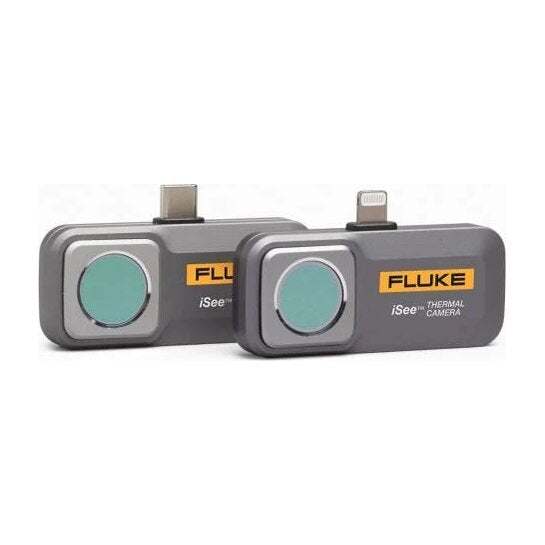
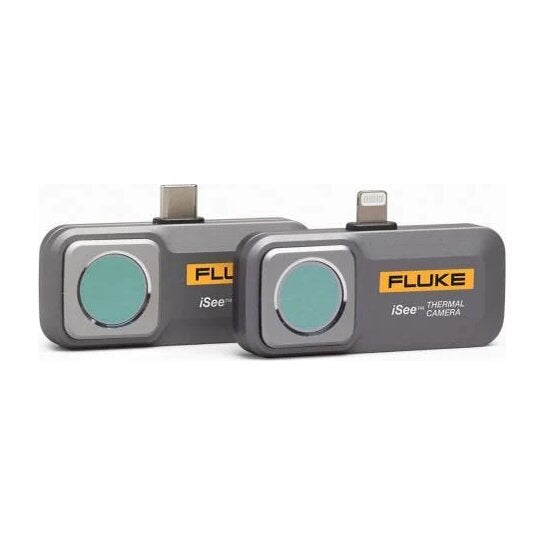
These plug into a phone and use it as the screen. The three Fluke TC01 versions are the same camera with different connectors.

Phone thermal cameras
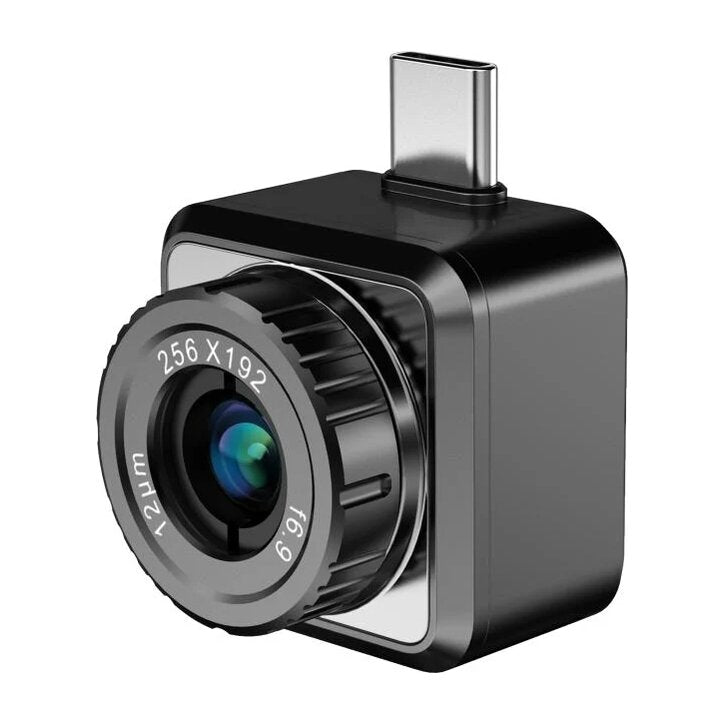
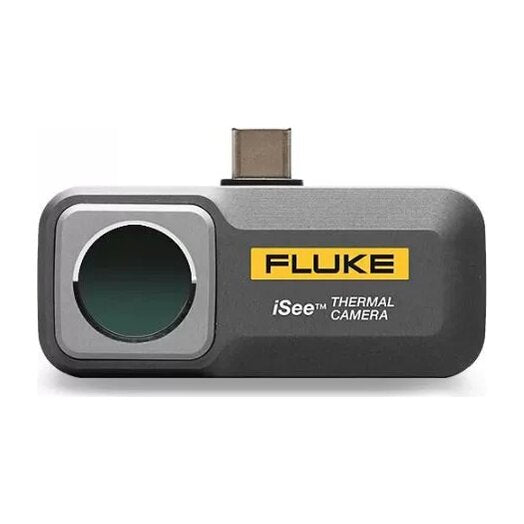
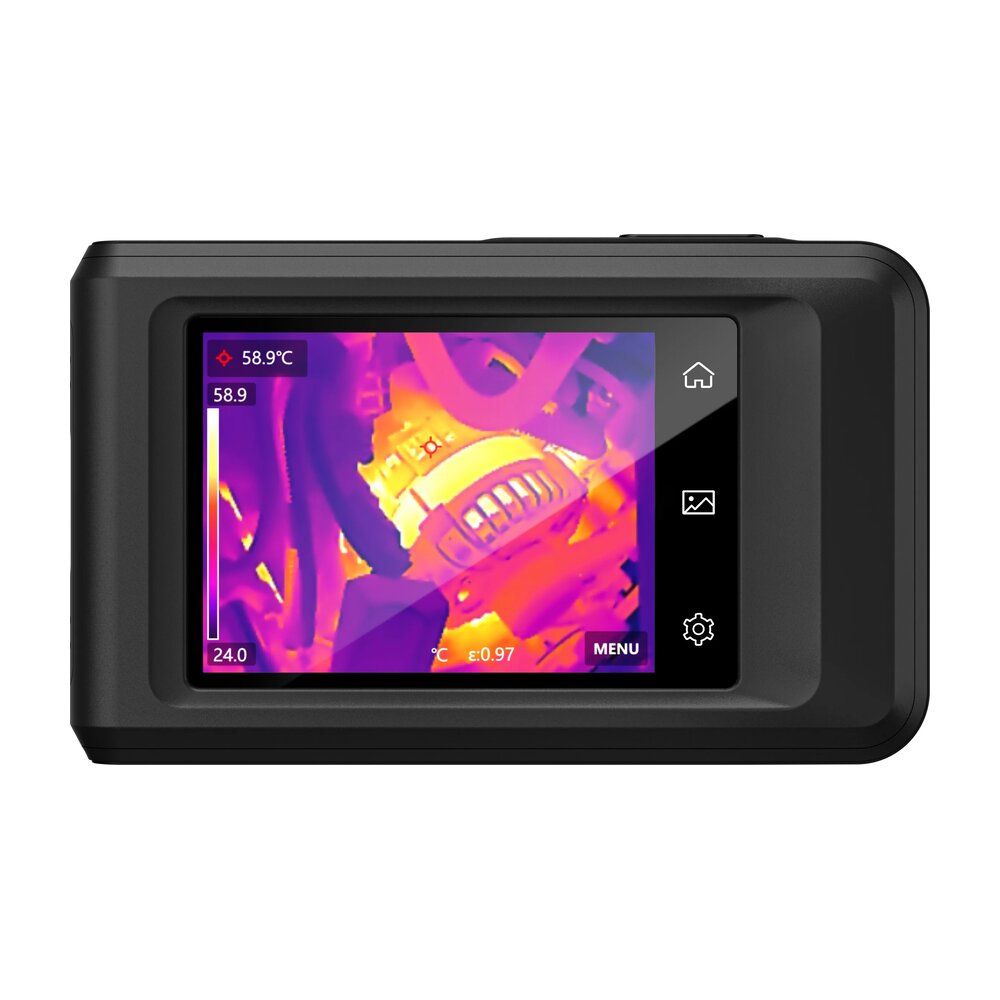
SpecificationHIKMICROMini2Plus V2FlukeTC01A (Android)FlukeTC01B (Lightning iPhone)FlukeTC01C (USB-C iPhone)
PhotoHIKMICRO Mini2Plus V2Fluke TC01A (Android)Fluke TC01B (Lightning iPhone)Fluke TC01C (USB-C iPhone)
TypePhone attachmentPhone attachmentPhone attachmentPhone attachment
IR resolution256 × 192256 × 192256 × 192256 × 192
Enhanced imageSuperIR, live and captured———
Sensitivity (NETD)< 40 mK50 mK50 mK50 mK
Spatial resolution (IFOV)≈ 1.7 mrad*3.81 mrad3.81 mrad3.81 mrad
Field of view25° × 18.8°56° × 42°56° × 42°56° × 42°
FocusManual, 0.1–50 mFixedFixedFixed
Temperature range−20 to 400 °C−10 to 550 °C−20 to 550 °C−20 to 550 °C
Accuracy±2 °C or ±2 %±2 °C or ±2 %±2 °C or ±2 %±2 °C or ±2 %
Frame rate25 Hz25 Hz25 Hz25 Hz
ScreenYour phoneYour phoneYour phoneYour phone
Visible cameraYour phone's camera (PIP)———
BatteryNone (powered by the phone)None (powered by the phone)None (powered by the phone)None (powered by the phone)
ToughnessIP40, 1 m dropIP54 (cover fitted), 1 m dropIP56, 1 m dropIP56, 1 m drop
Weight24 g22 g22 g22 g
Connects byUSB-C, with Lightning adapter includedUSB-C, Android and HarmonyOSLightning, iPhone and iPadUSB-C, iPhone 15 and later, iPad
Stands out forNarrow lens and manual focus for detail at a distance, and SuperSceneAluminium body, and the widest view on this pageFor Lightning iPhones and iPadsFor USB-C iPhones and iPads

* Calculated from the Mini2Plus V2's 25° field of view. HIKMICRO doesn't publish an IFOV.

Pocket and everyday handheld cameras

Standalone cameras for building, plumbing, HVAC, electrical and vehicle work. Two are pocket-sized and three have a pistol grip.

Pocket and everyday handheld cameras
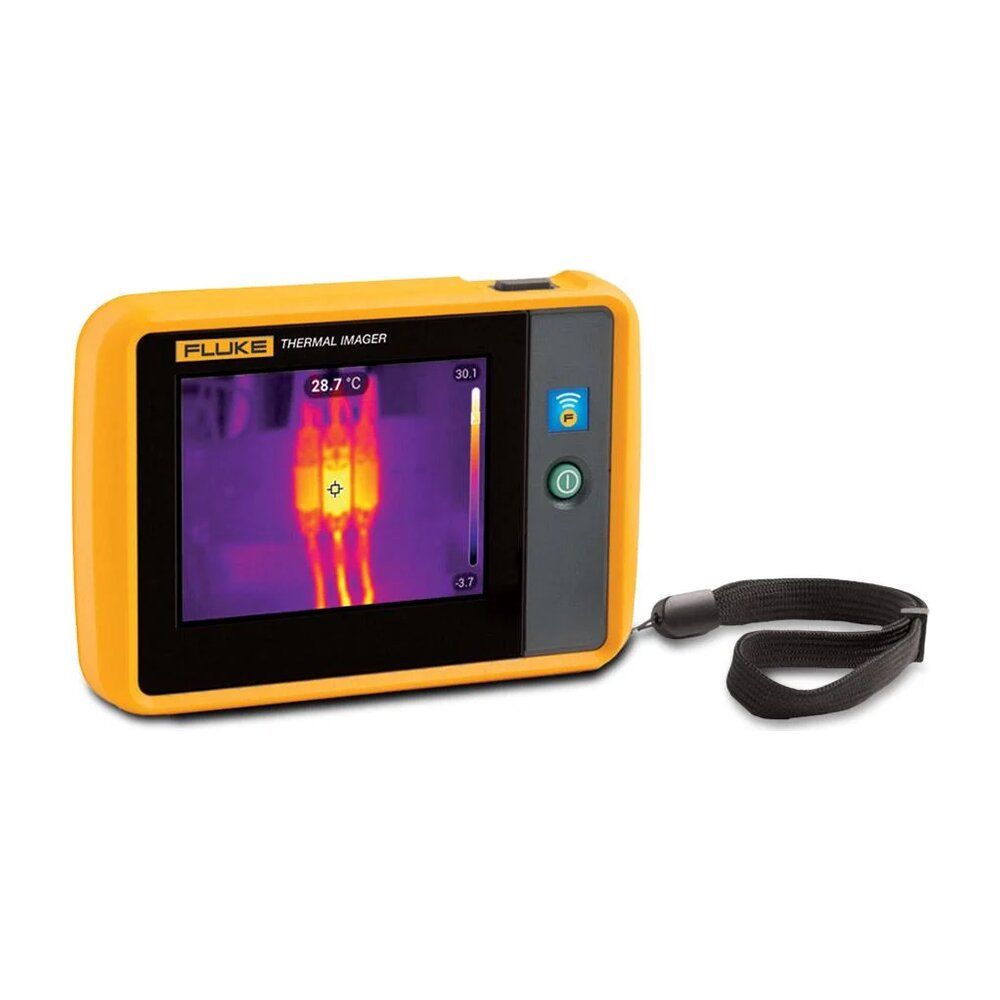
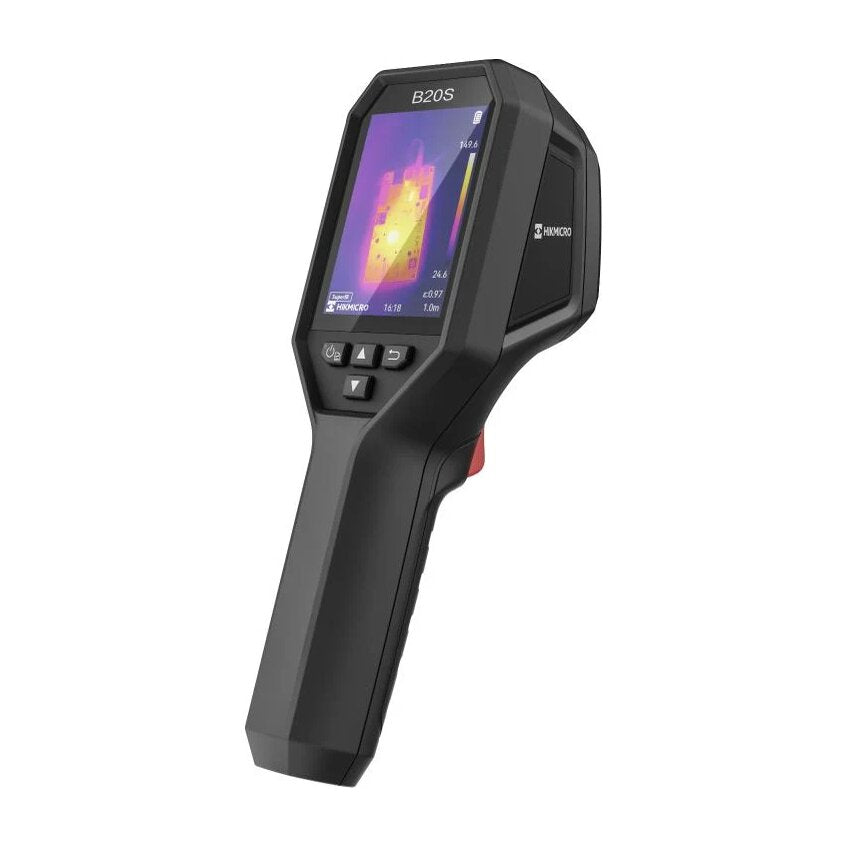
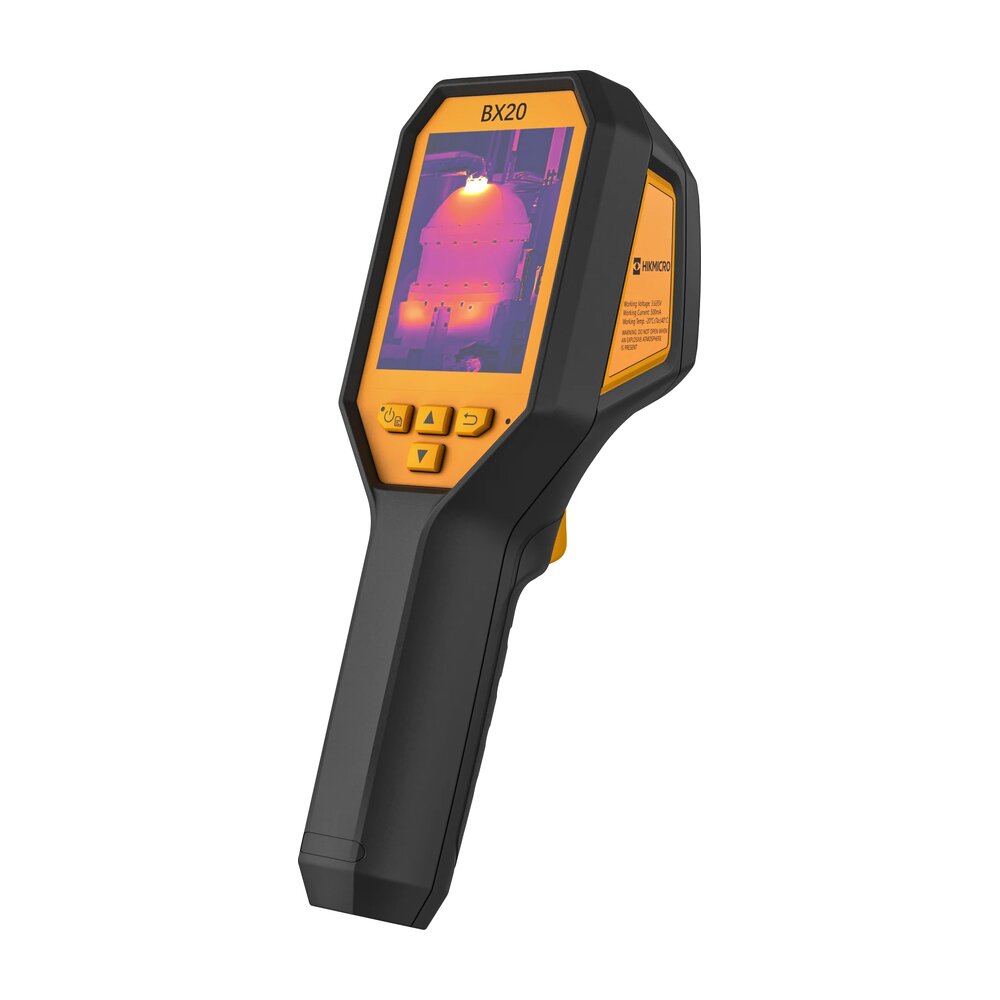
SpecificationHIKMICROPocket2FlukePTi120HIKMICROB20SFlukeTiS20+ MAXHIKMICROBX20
PhotoHIKMICRO Pocket2Fluke PTi120HIKMICRO B20SFluke TiS20+ MAXHIKMICRO BX20
TypePocketPocketPistol gripPistol gripPistol grip, intrinsically safe
IR resolution256 × 192120 × 90256 × 192120 × 90256 × 192
Enhanced imageSuperIR, live and captured—SuperIR to 640 × 480, live and captured—SuperIR to 320 × 240, captured only
Sensitivity (NETD)< 40 mK60 mK< 40 mK60 mK< 40 mK
Spatial resolution (IFOV)3.43 mrad7.6 mrad3.3 mrad7.6 mrad3.3 mrad
Field of view50° × 37.2°50° × 38°50° × 37.2°50° × 38°50° × 37.2°
FocusFixed, from 0.3 mFixedFixed, from 0.3 mFixed, from 0.5 mFixed, from 0.3 m
Temperature range−20 to 400 °C−20 to 400 °C−20 to 550 °C−20 to 400 °C−20 to 550 °C
Accuracy±2 °C or ±2 %±2 °C or ±2 %±2 °C or ±2 %±2 °C or ±2 %±2 °C or ±2 %
Frame rate25 Hz9 Hz25 Hz9 Hz25 Hz
Screen3.5 in 640 × 480 touch3.5 in 320 × 240 touch3.2 in 640 × 480, buttons3.5 in 320 × 240 touch3.2 in 240 × 320, buttons
Visible camera8 MPYes, with IR-Fusion2 MPYes, with IR-Fusion2 MP
Battery≈ 4 h, built in≈ 2 h, built in≈ 6 h≥ 5 h, field-replaceable≈ 6 h
ToughnessIP54, 2 m dropIP54, 1 m dropIP54, 2 m dropIP54, 2 m dropIP64, 2 m drop
Weight218 g233 g380 g720 g380 g
Connects byWi-Fi, USB-CWi-Fi (Fluke Connect), USBWi-Fi, USB-CWi-Fi (Fluke Connect), USB, microSDUSB-C
Stands out forAll SuperScene modes, and a macro lens option to 100 µmFluke Connect asset tagging in a pocket sizeLong battery life and all SuperScene modesReplaceable battery and Fluke Connect asset taggingATEX and IECEx, Zone 2 and Zone 22

Professional cameras: 384 × 288

These give more detail at a distance for electrical, mechanical and industrial work. The M31T in this group is for skin temperature only.

Professional cameras: 384 × 288
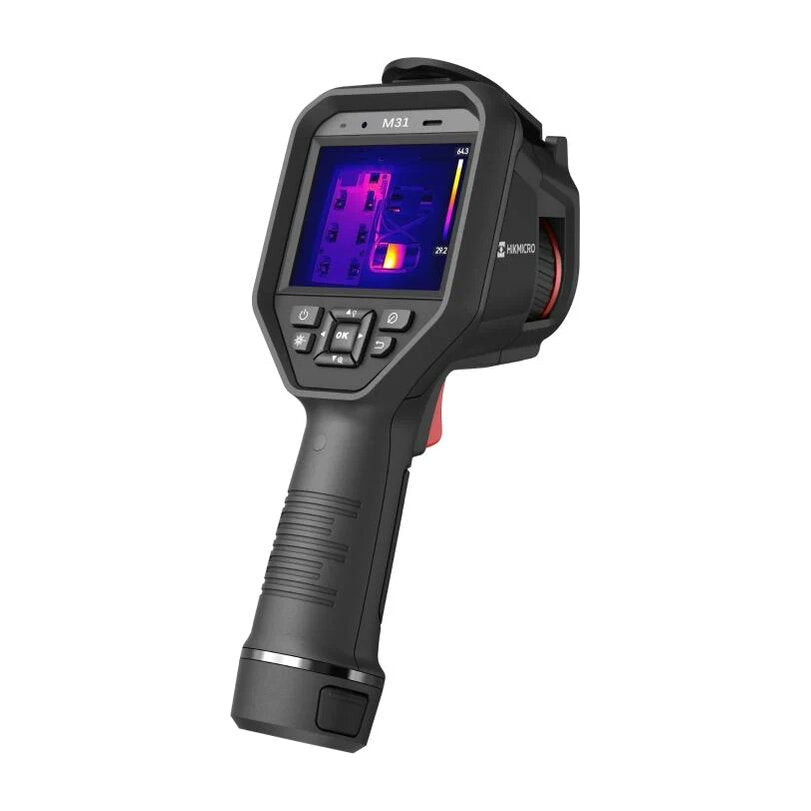
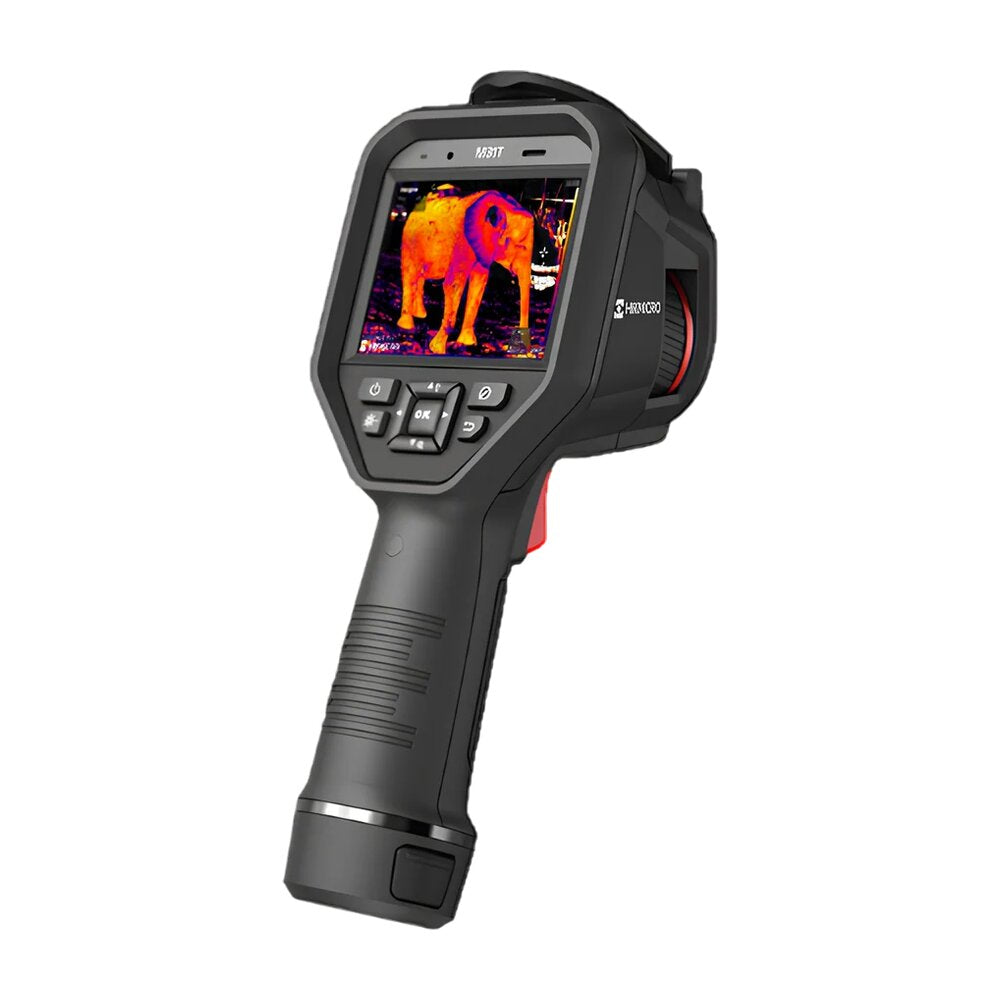
SpecificationHIKMICROM31FlukeTi300UHIKMICROM31T
PhotoHIKMICRO M31Fluke Ti300UHIKMICRO M31T
TypePistol gripPistol gripPistol grip, skin temperature
IR resolution384 × 288384 × 288384 × 288
Enhanced imageSuperIR to 768 × 576, captured—SuperIR to 768 × 576, captured
Sensitivity (NETD)< 35 mK75 mK< 35 mK
Spatial resolution (IFOV)1.87 mrad1.14 mrad (standard lens)1.87 mrad
Field of view41.1° × 30.5°25° × 19°41.1° × 30.5°
FocusManual, from 0.1 mUltraFocus auto, laser and manual, from 0.1 mManual
Temperature range−20 to 650 °C−20 to 650 °C5 to 40 °C
Accuracy±2 °C or ±2 %±2 °C or ±2 %±0.5 °C
Frame rate30 Hz30 Hz30 Hz
Screen3.5 in 640 × 480 touch3.5 in 640 × 4803.5 in 640 × 480 touch
Visible camera8 MP13 MP8 MP
Battery2 × ≈ 4 h, swappable2 × 2–3 h, swappable2 × ≈ 4 h, swappable
ToughnessIP54, 2 m dropIP52, 1 m dropIP54, 2 m drop
Weight720 g≈ 1.2 kg720 g
Connects byWi-Fi, Bluetooth, USB-C, microSDBluetooth, USB, mini HDMIWi-Fi, Bluetooth, USB-C, microSD
Stands out forHigh sensitivity, voice and QR annotations, and a laser pointerAutofocus, interchangeable lenses, and 16 spots, 8 lines and 12 areas±0.5 °C for people and animals (not for electrical or building work)

Professional cameras: 640 × 480

The highest resolution on this page, for small targets a long way off, substations, solar arrays and formal reports.

Professional cameras: 640 × 480
SpecificationHIKMICROM60FlukeTi401UFlukeTi480UFlukeTiX501
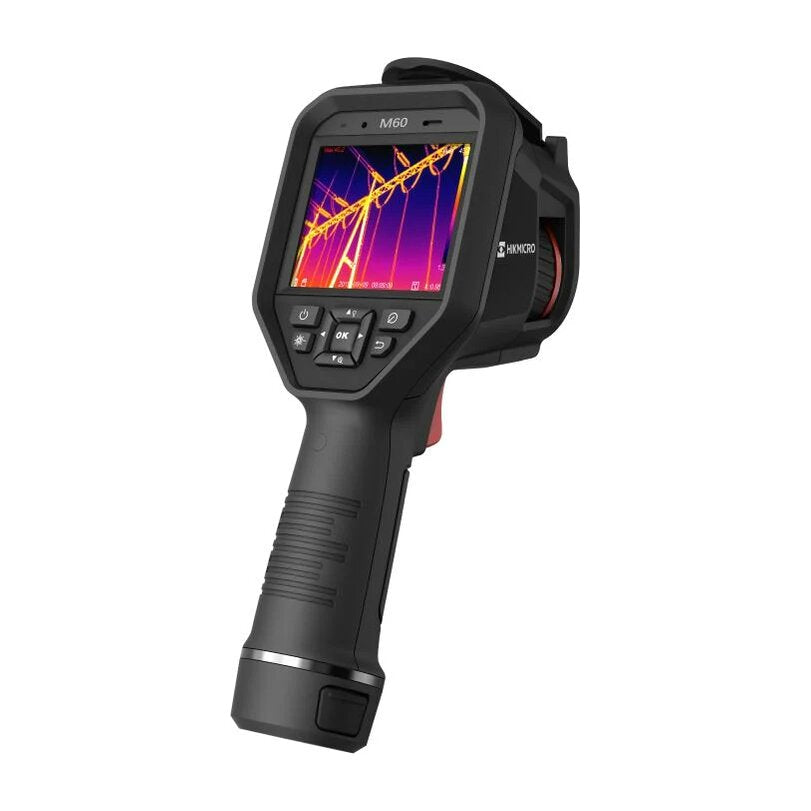
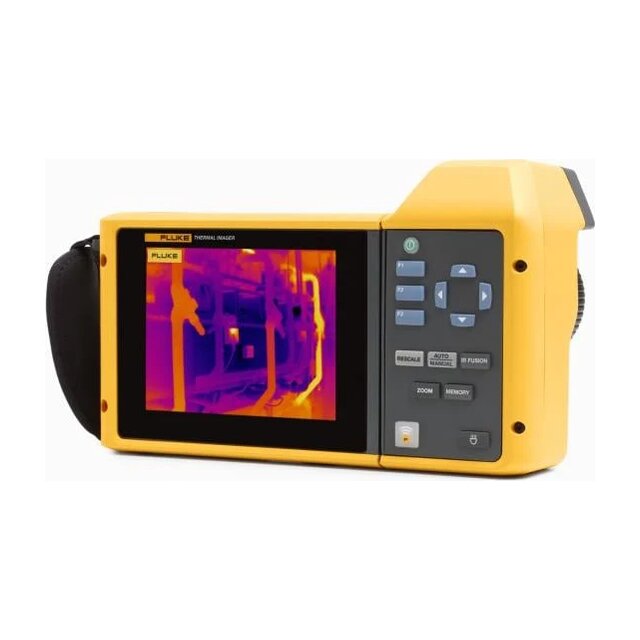
PhotoHIKMICRO M60Fluke Ti401UFluke Ti480UFluke TiX501
TypePistol gripPistol gripPistol gripArticulating, 240°
IR resolution640 × 480640 × 480640 × 480640 × 480
Enhanced imageSuperIR to 1280 × 960—SuperResolution to 1280 × 960—
Sensitivity (NETD)< 35 mK75 mK50 mK75 mK
Spatial resolution (IFOV)1.13 mrad0.68 mrad (standard lens)0.68 mrad (standard lens)0.93 mrad (standard lens)
Field of view41.9° × 33.3°25° × 19°25° × 19°34° × 24°
FocusManual, from 0.3 mUltraFocus auto, laser and manual, from 0.25 mUltraFocus auto, laser and manual, from 0.25 mLaserSharp auto with distance readout, and manual, from 0.15 m
Temperature range−20 to 650 °C−20 to 650 °C−20 to 1,200 °C−20 to 650 °C
Accuracy±2 °C or ±2 %±2 °C or ±2 %±2 °C or ±2 %±2 °C or ±2 %
Frame rate30 Hz30 Hz30 Hz60 Hz
Screen3.5 in 640 × 480 touch3.5 in 640 × 4803.5 in 640 × 4805.7 in 640 × 480 touch
Visible camera8 MP13 MP13 MP5 MP
Battery2 × ≈ 4 h, swappable2 × 2–3 h, swappable2 × 2–3 h, swappable2 × 2–3 h, swappable
ToughnessIP54, 2 m dropIP52, 1 m dropIP52, 1 m dropIP54, 1 m drop
Weight686 g≈ 1.2 kg≈ 1.2 kg1.54 kg
Connects byWi-Fi, Bluetooth, USB-C, microSDBluetooth, USB, mini HDMIBluetooth, USB, mini HDMIWi-Fi (Fluke Connect), USB, HDMI
Stands out forBest sensitivity at 640 × 480, and radiometric video640 × 480 with autofocus and lenses (still images only, no video)1,200 °C range, radiometric video, and remote display and controlRotating lens, 60 Hz and a macro Smart Lens option

Fluke Ti U and TiX501 figures are for the standard lens. Telephoto and wide-angle lenses are available, as is a macro lens for the TiX501.

Quick questions

12 questions

In depth

Detailed guides

Detailed explanations of each specification and each camera. The search box above also searches these guides.

Specifications explained

6 articles

The HIKMICRO range

5 articles

The Fluke range

4 articles

Next step

Ask us directly

Tell us what you'll be inspecting and from how far away. We'll help you choose a camera, or arrange for you to see one in person.

+61 8 9335 1718

Mon–Fri 8:30am–4:30pm WST

Prefer email? team@laserman.com.au

What do you need?

A member of the Laserman team will get back to you.